
Panasonic CF18BHKZXDM Manual


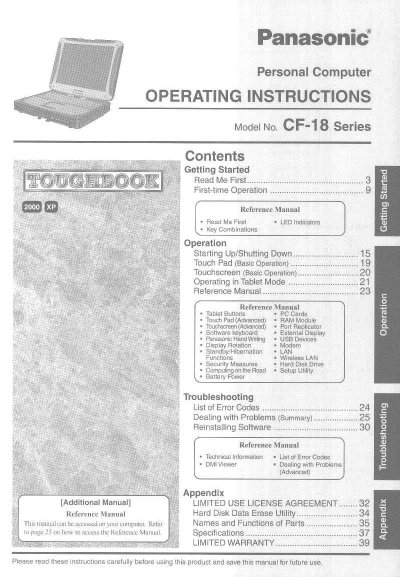
Panasonic CF18BHKZXDM Manual - cover page
Brand
Panasonic
Category
Laptops
Document type
User Manual
Language
English
Pages
44
File format
PDF
File size
2.2 MB
Published
08 August, 2012
Updated
20 August, 2012
MD5 checksum
1C1B22252A3273F8F3B36B8CEE0CF28A

About this manual

This manual provides operating instructions for the Panasonic CF-18 Series personal computer. It covers essential procedures such as starting up and shutting down the device, basic operations of the touchpad and touchscreen, and switching between PC and Tablet modes.

The document also serves as a reference guide for advanced features including RAM modules, port replicators, USB devices, modem usage, LAN connectivity, security measures, and battery power management. It includes troubleshooting sections with error codes and instructions for dealing with problems.

What's inside

  • Getting Started
  • First-time Operation
  • Starting Up/Shutting Down
  • Touch Pad (Basic Operation)
  • Touchscreen (Basic Operation)
  • Operating in Tablet Mode
  • Reference Manual
  • Troubleshooting
  • Security Measures
  • Battery Power

Frequently asked questions

What is the model number of this computer?

The model number is CF-18 Series.

How do I access the Reference Manual?

Refer to page 23 on how to access this manual, which is available on your computer.

What operating systems are supported according to the manual?

The manual provides information for Microsoft Windows 2000 Professional and Microsoft Windows XP Professional users.

Download PDF (2.2 MB)

More Panasonic Manuals


View all Panasonic manuals →