
Panasonic CF18BDKZXMM Manual


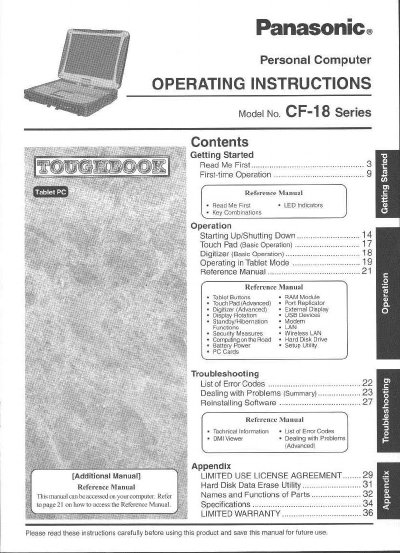
Panasonic CF18BDKZXMM Manual - cover page
Brand
Panasonic
Category
Laptops
Document type
User Manual
Language
English
Pages
40
File format
PDF
File size
2 MB
Published
08 August, 2012
Updated
20 August, 2012
MD5 checksum
5D75A5DF0E503B668CD7CE1FC77362B9

About this manual

This manual provides operating instructions for the Panasonic CF-18 Series Personal Computer. It includes sections on getting started, first-time operation, and using the device in tablet mode. The document serves as a reference guide for users to properly operate the computer.

What's inside

  • Getting Started
  • First-time Operation
  • Starting Up/Shutting Down
  • Touch Pad Operation
  • Digitizer Operation
  • Operating in Tablet Mode
  • Security Measures
  • Troubleshooting
  • Limited Warranty
  • Reference Manual

Frequently asked questions

What is the minimum spacing required between a wireless antenna and a person's body during operation?

A minimum of 2.5 cm must be provided between the antenna and all parts of a person's body, excluding hands, wrists, and feet.

What is the maximum total REN sum allowed for devices connected to a telephone line?

In most areas, the sum of RENs should not exceed five (5.0).

What is the toll-free telephone number for repair or warranty information?

Users can contact Matsushita Electric Corporation of America at 1-800-LAPTOPS (1-800-527-8675).

Download PDF (2 MB)

More Panasonic Manuals


View all Panasonic manuals →