
CF-18 Series Tablet PC User's Guide, including operating instructions and troubleshooting
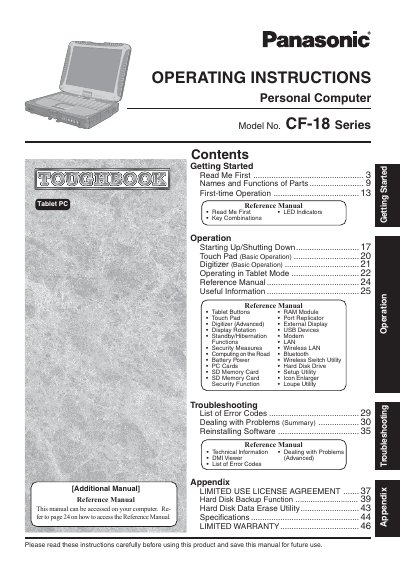
This manual provides operating instructions for the Panasonic Personal Computer Model No. CF-18 Series (Toughbook). It covers getting started with first-time operation, including starting up/shutting down and using the touch pad and digitizer in tablet mode.
The document also serves as a reference guide for advanced features such as RAM modules, port replicators, external displays, security measures, wireless utilities, battery power management, and PC cards. It includes troubleshooting sections with error codes and software reinstallation procedures.
For models with internal antennas, maintain at least 1.5 cm of space; for external antennas, maintain at least 20 cm of space.
The sum of RENs should not exceed five (5.0).
The product is restricted to indoor use due to its operation in the 5.15 to 5.25 GHz frequency range.