
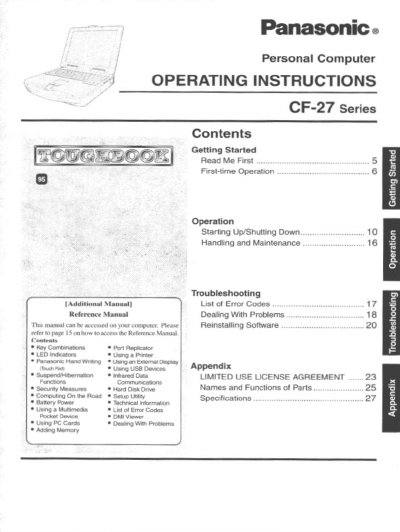
Panasonic CF-27RJ48AAM Personal Computer Operating Instructions


Panasonic CF-27RJ48AAM Personal Computer Operating Instructions - cover page
Brand
Panasonic
Category
Laptops
Document type
User Manual
Language
English
Pages
28
File format
PDF
File size
1.3 MB
Published
08 August, 2012
Updated
21 August, 2012
MD5 checksum
FC20CE4E02C24C0DC893EB30C1F7EFB6

About this manual

This manual provides operating instructions for the Panasonic CF-27 Series Personal Computer, specifically model CF-27RJ48AAM. It covers getting started with the device, first-time operation procedures, and general usage guidelines. The document includes important safety warnings regarding the lithium battery and precautions for handling the computer in various environments.

What's inside

  • Getting Started
  • First-time Operation
  • Starting Up/Shutting Down
  • Handling and Maintenance
  • Troubleshooting
  • Key Combinations
  • Using a Printer
  • Using an External Display
  • Battery Power
  • Specifications

Frequently asked questions

What is the model number for this Panasonic computer?

The model number is CF-27RJ48AAM, which consists of an 11-digit number located on the bottom of the computer.

What is the allowable temperature range for charging the battery?

Recharging will not commence outside of the allowable temperature range of 0 °C to 35 °C (32°F to 95 °F).

How long does it take for the computer to automatically shut off if the battery gets too hot?

If the computer is left as is, it will automatically go off after about three minutes have elapsed.

Download PDF (1.3 MB)

More Panasonic Manuals


View all Panasonic manuals →