
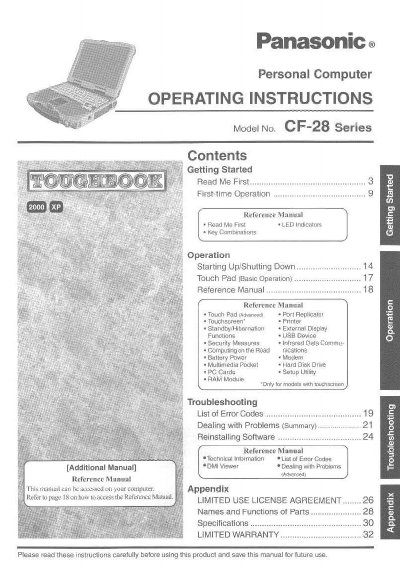
This document serves as the Operating Instructions and Reference Manual for the Panasonic CF-28 Series Personal Computer. It provides guidance on getting started with the device, including basic operations like starting up and shutting down, using the touch pad, and managing battery power.
The manual also covers advanced functions such as port replicators, external displays, USB devices, security measures, and multimedia features. Additionally, it includes troubleshooting sections for dealing with problems, a list of error codes, and technical information regarding specifications and warranty.
The model number is CF-28 Series.
You should try to correct the interference by reorienting or relocating the receiving antenna, increasing the separation between the equipment and receiver, connecting the equipment into an outlet on a circuit different from that to which the receiver is connected, or consulting the Panasonic Service Center or an experienced radio/TV technician for help.
In most areas, the sum of RENs should not exceed five (5.0).