
Panasonic CF25LJF8EAM Manual


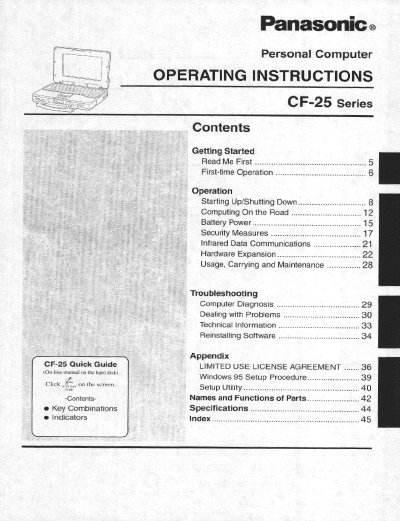
Panasonic CF25LJF8EAM Manual - cover page
Brand
Panasonic
Category
Laptops
Document type
User Manual
Language
English
Pages
48
File format
PDF
File size
2.2 MB
Published
08 August, 2012
Updated
20 August, 2012
Model
CF-25
MD5 checksum
497D1020809FDB4B51E7ED3632EEE671

About this manual

This manual provides operating instructions for the Panasonic CF-25 series personal computer. It covers getting started with the device, operation procedures including starting up and shutting down, computing on the road, battery power management, and security measures such as infrared data communications.

The document also details hardware expansion options, usage guidelines, carrying methods, and maintenance requirements. A troubleshooting section addresses computer diagnosis and dealing with problems, while technical information includes software reinstallation procedures.

What's inside

  • Getting Started
  • Operation
  • Battery Power
  • Security Measures
  • Hardware Expansion
  • Usage Carrying and Maintenance
  • Troubleshooting
  • Technical Information

Frequently asked questions

What are the recommended operating and storage temperature ranges for the CF-25?

The computer should be operated between 5 °C and 35 °C, and stored between -20 °C and 60 °C.

What is the maximum recommended length for an interface cable connected to the CF-25?

The manual recommends against using an interface cable longer than 3 m.

Download PDF (2.2 MB)

More Panasonic Manuals


View all Panasonic manuals →