
Panasonic CF27EB6GCAM Manual


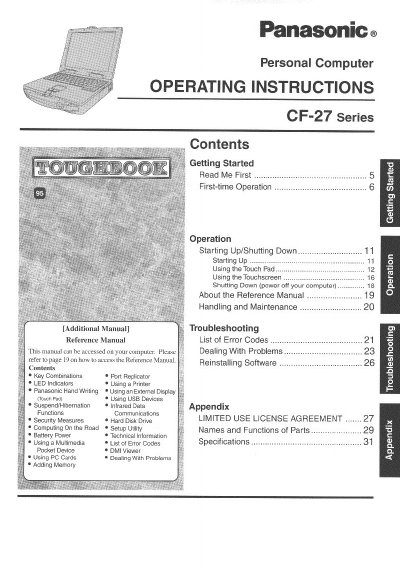
Panasonic CF27EB6GCAM Manual - cover page
Brand
Panasonic
Category
Laptops
Document type
User Manual
Language
English
Pages
32
File format
PDF
File size
1.4 MB
Published
08 August, 2012
Updated
20 August, 2012
MD5 checksum
9FD4F32CB637F698E44DD1516A5E8408

About this manual

This document provides operating instructions for the Panasonic CF-27 Series personal computer. It includes guidance on getting started, first-time operation, and general computer usage. The manual also details specific procedures for starting up and shutting down the device, as well as instructions for using the touchpad and touchscreen.

What's inside

  • Getting Started
  • First-time Operation
  • Starting Up/Shutting Down
  • Using the Touch Pad
  • Using the Touchscreen
  • Handling and Maintenance
  • Security Measures
  • Battery Power
  • Troubleshooting
  • Specifications

Frequently asked questions

What is the correct model number format for this Panasonic computer?

The model number consists of an 11-digit number located on the bottom of the computer.

How should a user store the battery pack if it will not be used for more than a month?

Charge or discharge the battery until the remaining level is between 30% and 50%, then store it in a cool, dry place.

What are the allowable temperature limits for charging this computer's battery?

Recharging will only occur when the temperature is between 0 °C and 45 °C (32 °F to 113 °F).

Download PDF (1.4 MB)

More Panasonic Manuals


View all Panasonic manuals →