
Panasonic CF50Y4KGUDM Manual


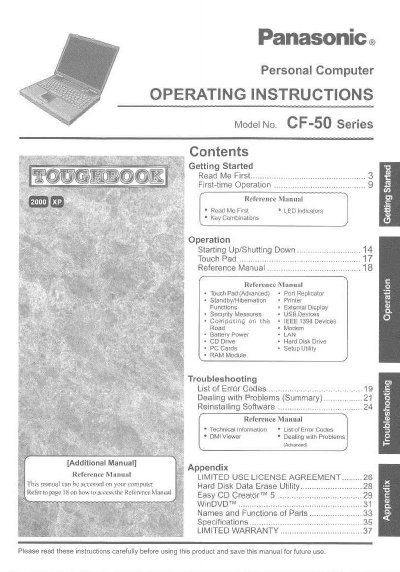
Panasonic CF50Y4KGUDM Manual - cover page
Brand
Panasonic
Category
Laptops
Document type
User Manual
Language
English
Pages
40
File format
PDF
File size
1.9 MB
Published
08 August, 2012
Updated
21 August, 2012
MD5 checksum
3649ECFB44CA6308FB524705B913F5BA

About this manual

This manual provides operating instructions for the Panasonic Personal Computer of the CF-50 Series. It includes guidance on getting started with first-time operation, using key combinations, and accessing various hardware components such as the touch pad, hard disk drive, and PC cards.

The document also covers advanced reference topics including standby/hibernation modes, external display usage, security measures, and computing with IEEE 1394 devices. Additionally, it provides troubleshooting information for dealing with problems and reinstalling software.

What's inside

  • Getting Started
  • First-time Operation
  • Starting Up/Shutting Down
  • Touch Pad
  • Standby/Hibernation
  • External Display
  • Security Measures
  • Troubleshooting

Frequently asked questions

What does the NOTE symbol indicate in this manual?

It provides a useful fact or helpful information.

What does the CAUTION symbol indicate?

It indicates a condition that may result in minor or moderate injury.

Download PDF (1.9 MB)

More Panasonic Manuals


View all Panasonic manuals →