
Panasonic CF50AAKHUDM Manual


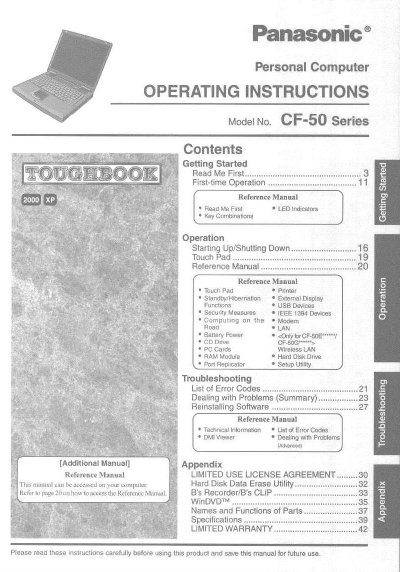
Panasonic CF50AAKHUDM Manual - cover page
Brand
Panasonic
Category
Laptops
Document type
User Manual
Language
English
Pages
44
File format
PDF
File size
2.3 MB
Published
08 August, 2012
Updated
21 August, 2012
MD5 checksum
12B3218E8B9D7CC4EAE8DCA8F5186A65

About this manual

This manual provides operating instructions for the Panasonic CF-50 Series personal computer. It includes guidance on getting started, such as reading the 'Read Me First' section and understanding LED indicators and key combinations. The document also covers first-time operation procedures.

What's inside

  • Getting Started
  • Operation
  • Reference Manual
  • Touch Pad
  • Printer
  • Standby/Hibernation
  • External Display
  • USB Devices
  • Security Measures
  • Troubleshooting

Frequently asked questions

What is the minimum required spacing between the wireless antenna and a person's body during wireless operation?

The manual requires a minimum spacing of 2.5 cm between the antenna and all parts of a person's body, excluding the extremities of hands, wrist, and feet.

What is the maximum total REN value allowed for devices connected to a telephone line?

In most areas, the sum of RENs for connected devices should not exceed 5.0 to ensure they ring in response to incoming calls.

What telephone number should be used to contact Matsushita Electric Corporation of America for repair or warranty information?

Users should dial the toll-free number 1-800-LAPTOPS (1-800-527-8675) for repair or warranty inquiries.

Download PDF (2.3 MB)

More Panasonic Manuals


View all Panasonic manuals →