
Panasonic CF50F1FGUDM Manual


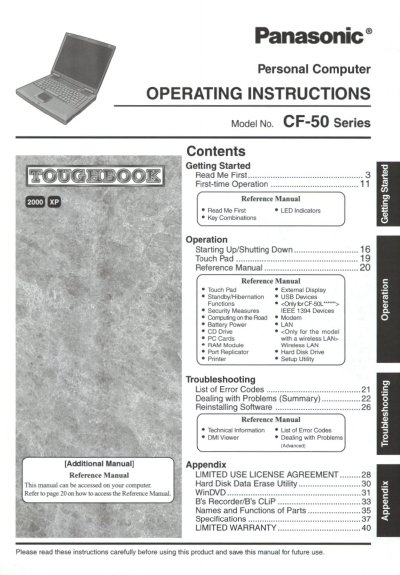
Panasonic CF50F1FGUDM Manual - cover page
Brand
Panasonic
Category
Laptops
Document type
User Manual
Language
English
Pages
44
File format
PDF
File size
2.7 MB
Published
08 August, 2012
Updated
21 August, 2012
MD5 checksum
D8C988819696A446F197061AC65438CB

About this manual

This manual provides operating instructions for the Panasonic CF-50 Series personal computer. It includes guidance on first-time operation, key combinations, LED indicators, and starting up or shutting down the system.

The document details various hardware functions such as touch pad usage, external displays, USB devices, modem, LAN, CD drive, PC Cards, RAM modules, port replicators, hard disk drives, printers, and wireless LAN. It also covers security measures and battery power management.

What's inside

  • Getting Started
  • First-time Operation
  • LED Indicators
  • Key Combinations
  • Starting Up/Shutting Down
  • Touch Pad & External Display
  • USB Devices & Modem
  • LAN & Wireless LAN
  • Battery Power
  • Troubleshooting

Frequently asked questions

What is the model number for this computer?

The model number for this personal computer is CF-50 Series.

How should I insert the 12-digit Model No. on my record sheet?

You must locate the number on the bottom of the computer and insert it into the designated space.

What is the minimum spacing required between a wireless antenna and a person's body?

A minimum of 2.5 cm spacing must be provided during wireless modes of operation.

Download PDF (2.7 MB)

More Panasonic Manuals


View all Panasonic manuals →