
This document is the operating instructions for the network camera WV-NF284. It introduces how to use a PC to monitor images, how to upload images to an FTP server, and how to set the camera's various parameters.
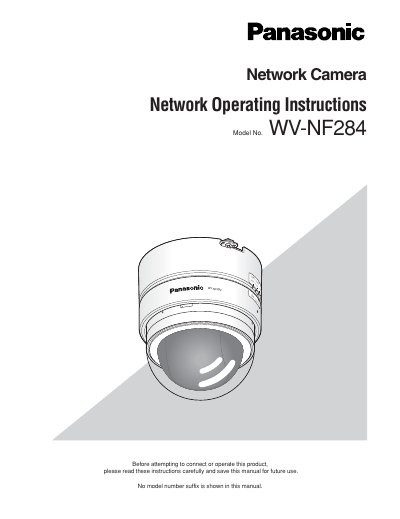
This manual provides instructions for operating the Panasonic WV-NF284 network camera using a PC via a network. It details how to monitor live images, configure camera settings such as image quality and audio, and manage multi-screen displays. The document also explains how to handle alarms, transmit images to an FTP server, and save images to an SD memory card.
The viewer software "Network camera View3" must be installed on the PC to display images.
The default user name is "admin" and the default password is "12345".
The maximum concurrent access is limited to up to 8 users under specific transmission settings.
Images from up to 4 cameras can be displayed simultaneously on a multi-screen.