
This manual introduces the features and usage of WV-LC1710 product.
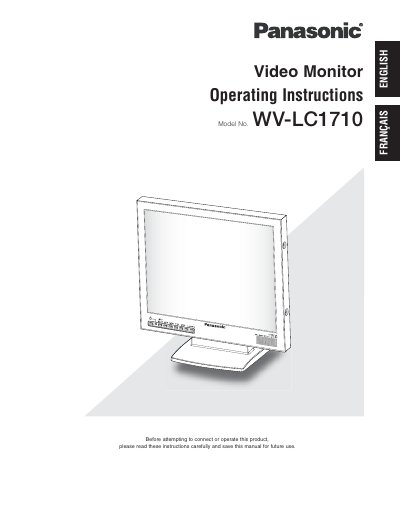
This manual provides operating instructions for the Panasonic WV-LC1710, a 17-inch LCD video monitor featuring a built-in high-resolution SXGA panel. It supports multiple input types including Composite Video, S-Video, Component Video, and analog RGB signals for PC use. The device automatically switches between NTSC and PAL systems and offers adjustable picture size and position.
| Panel Type | 17" type LCD Monitor |
|---|---|
| Resolution | VGA (640 x 480) ~ SXGA (1280 x 1024) |
| Power Supply | 100 V AC ~ 240 V AC |
| Operating Temperature | 0 °C ~ +40 °C |
| Speaker Output | 0.5 W |
The monitor supports resolutions from VGA (640 x 480) up to SXGA (1280 x 1024).
Yes, the monitor features an automatically switchable NTSC and PAL system.
The appliance should be used at temperatures between 0 °C and +40 °C (32 °F ~ 104 °F).