
This document is an operating manual for a network camera, providing instructions on how to connect and operate the product. The manual includes instructions on monitoring, recording, and transmitting images using a PC.
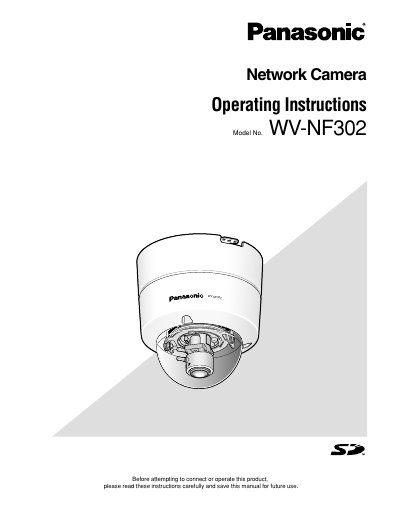
This manual provides operating instructions for the Panasonic WV-NF302 network camera. It details how to monitor images from a single or multiple cameras on a PC using web browsers and viewer software.
The document explains various functions including manual recording to an SD memory card, transmitting images to FTP servers, and handling alarm occurrences. It also covers security settings, user authentication, and the use of specific buttons for zooming, brightness adjustment, and auxiliary controls.
| Default User Name | admin |
|---|---|
| Default Password | 12345 |
| Max Concurrent Users (JPEG/MPEG-4) | Up to 16 users |
The default password is 12345.
Up to 16 users can access the camera concurrently regardless of the image type.
The viewer software "Network camera View3" must be installed on the PC.