
This document is an operating instruction for the WV-LC1710 video monitor. It includes instructions for connecting and operating the product, as well as information about its features and characteristics.
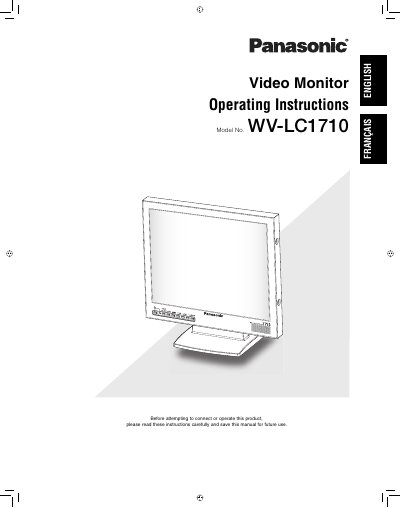
This manual provides operating instructions for the Panasonic WV-LC1710, a 17-inch LCD video monitor featuring an SXGA panel with high contrast ratio and wide view angles. It supports multiple input types including Composite Video, S-Video, Component Video, and analog RGB signals from PCs.
| Panel Type | 17" type LCD Monitor |
|---|---|
| Resolution Support | VGA (640 × 480) ~ SXGA (1280 × 1024) |
| Operating Temperature | 0 °C ~ +40 °C |
| Humidity Rating | below 90 % |
| Input Power | 100 V AC to 240 V AC, 50/60 Hz |
| Speaker Output | maximum speaker output of 0.5 W |
The monitor supports resolutions from VGA (640 × 480) up to SXGA (1280 × 1024).
Yes, it complies with VESA standards and can be mounted by installing a commercialized wall mount.
Selectable inputs include Composite Video, S-Video, Component Video, and analog RGB signal for PC.