
This document is the operating instructions for the WV-NM100 Network Camera, including guidelines for connecting and operating the product, recording the serial number for identification purposes, and precautions to avoid interference.
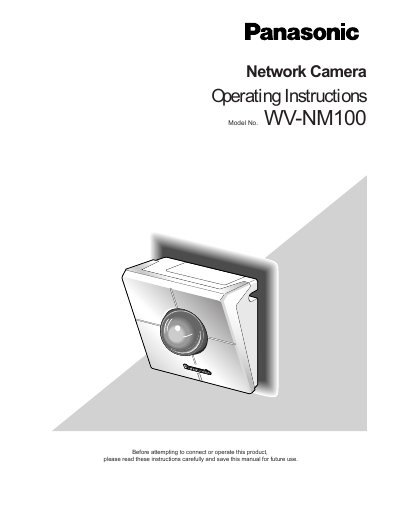
This manual provides operating instructions for the Panasonic WV-NM100 Network Camera. It explains how to connect the camera to a network using a PC, web browser, or intranet, and how to configure settings via the provided software or web interface. Users can monitor still and motion pictures, set up motion detection, and transfer images to a server.
| Operating Temperature | 0 °C - +40 °C (32 °F - 104 °F) |
|---|---|
| Humidity | below 90 % |
| Input Power Source | 120 V AC 60 Hz |
| Still Picture Format | JPEG |
| Motion Picture Format | MPEG-4 |
| Max Cameras on Screen | four |
| Backup Battery Life | approximately 5 years |
Charge the built-in backup battery by turning on the power for 48 hours or more before the first use.
Yes, you can display still pictures from up to four cameras on a single monitor screen.
Blooming (blurring) or smearing (vertical lines) may occur on the monitor screen.