
This manual introduces the connection and operation methods of WV-CS854B color CCTV camera
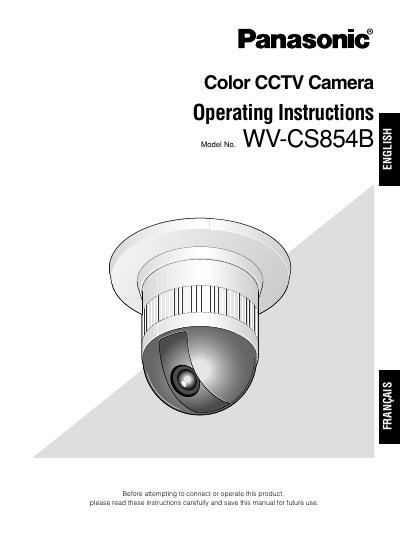
This manual provides operating instructions for the Panasonic WV-CS854B, a high-performance color CCTV camera featuring a Super-Dynamic I Digital Signal Processor, a 22x zoom lens, and RS485 communication. The device utilizes a 1/4-inch CCD sensor capable of operation under extremely low light conditions (0.06 lx for monochrome and 1 lx for color). Key features include a pan-tilt mechanism with 360° panning, up to 64 preset positions, digital flip functionality for 180° tilting, and built-in digital motion detection with alarm outputs.
| Resolution | 768 x 494 pixels |
|---|---|
| Preset Positions | Up to 64 |
| Sensor Type | 1/4-inch CCD |
The camera can store up to 64 preset positions.
No, the camera is designed for mounting on the ceiling or wall and should not be installed upside down.