
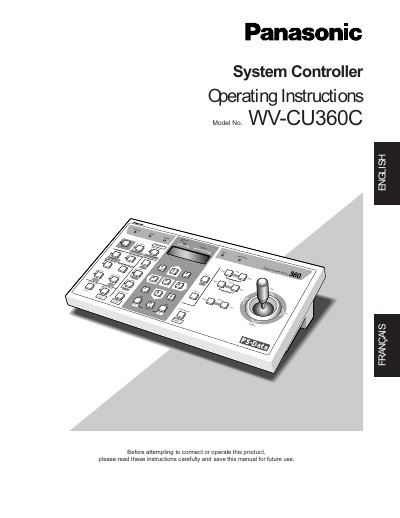
Panasonic WV-CU360C System Controller Operating Instructions


Panasonic WV-CU360C System Controller Operating Instructions - cover page
Brand
Panasonic
Category
Other Electronics
Document type
User Manual
Language
English
Pages
77
File format
PDF
File size
1.3 MB
Published
08 August, 2012
Updated
20 August, 2012
MD5 checksum
F845C3EBEBA1CDBE83B102C3E7817064

About this manual

The Panasonic WV-CU360C is a system controller designed for the setup and operation of cameras and other units in a surveillance system. It operates using the Panasonic Security Data (PS-Data) protocol by default but can be configured via DIP switches to work with Video Multiplexer WJ-FS616C or Matrix Switcher systems (WJ-SX350, WJ-SX850). The device allows users to control camera functions such as pan/tilt, lens zoom, and focus from a single unit.

What's inside

  • Features
  • Precautions
  • Major Operating Controls & Their Functions
  • Template Mounting
  • Rear Panel Switch Setting
  • System Connections
  • DIP Switch Setting
  • Controller Number Setting
  • Setup Procedures
  • Operating Procedures

Specifications

Temperature Range-10°C - +50°C (14°F - 122°F)
Humidity Limitbelow 90 %
Input Power Source120 V AC 60 Hz

Frequently asked questions

What is the default communication protocol for this controller?

The System Controller WV-CU360C is designed for setup and operation using the Panasonic Security Data (PS-Data) protocol by default.

Can this controller be used with other systems besides PS-Data?

Yes, DIP switches are provided to select communication protocols for Video Multiplexer WJ-FS616C or Matrix Switcher WJ-SX350 or WJ-SX850.

Download PDF (1.3 MB)

More Panasonic Manuals


View all Panasonic manuals →