
This manual describes how to use the camera's camera identification (CAMERA ID) function, including how to edit the camera identification code, add spaces, and change the display position.
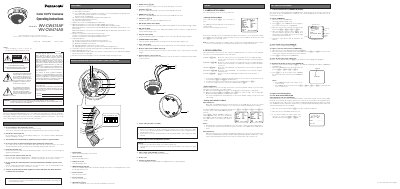
This manual provides operating instructions for the Panasonic WV-CW474AF and WV-CW474AS series color digital CCTV cameras. It details the camera's features, including Auto Light Control, electronic zoom, and built-in motion detection, along with power requirements of 24 V AC or 12 VDC.
| Image Sensor | 1/3-inch interline transfer CCD |
|---|---|
| Horizontal Resolution (Color Normal) | 480 lines |
| Horizontal Resolution (Black-and-white) | 570 lines |
| Minimum Illumination (Color) | 2.0 lx |
| Operating Temperature | -10 °C to +50 °C |
| Input Power Source | 24 V AC or 12 VDC |
Yes, you can move the cursor to SET UP DISABLE in the bottom line of the CAM SET UP menu and press Set.
The camera should be operated at temperatures between -10 °C and +50 °C.
The input power source must be 24 V AC or 12 VDC.