
This document is the operating instructions for the WV-CU161C system controller. It provides detailed steps for connecting and operating the product, and reminds users to pay attention to safety precautions. The controller has various functions, including camera setup, preset position setup, patrol mode, and auto focus.
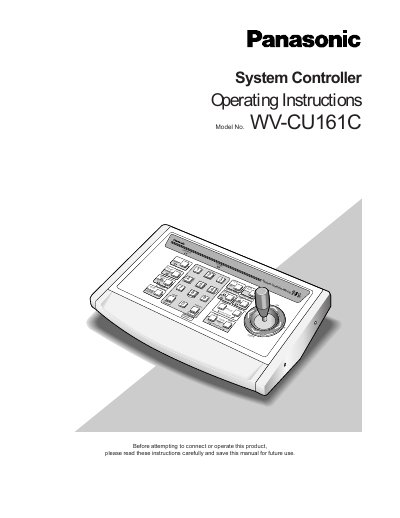
The Panasonic WV-CU161C System Controller is designed for one-to-one use with a Combination Camera or WV-RC100/WV-RC150 Receiver. It allows users to operate pan/tilt heads, lenses, and patrol play functions. The controller can transmit commands via an RS-485 line or a coaxial cable and supports connections for time-lapse VCRs, alarm sensors, and video monitors.
| Operating Temperature | -10°C and +50°C (14°F to 122°F) |
|---|---|
| Humidity | below 90% |
| Input Power Source | 120 V AC 60 Hz |
| Preset Position Memories | Up to 64 positions including HOME |
It is designed for one-to-one use with a Combination Camera or WV-RC100/WV-RC150 Receiver that is provided with camera control functions.
The controller can transmit commands via an RS-485 line or a coaxial cable.
The indicator blinks when an alarm is activated and changes to a steady light when the alarm is automatically reset.