
This document provides maintenance advice for the camera.
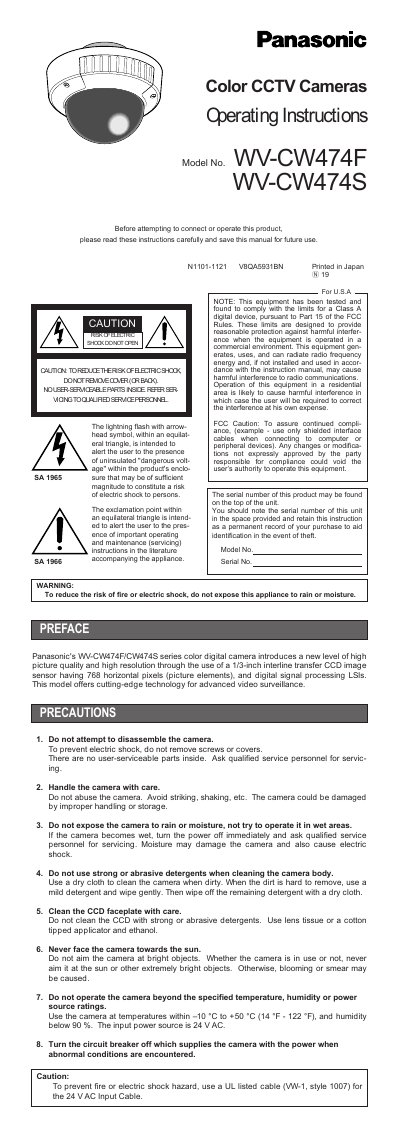
This manual provides operating instructions for the Panasonic WV-CW474F and WV-CW474S series color digital cameras. The devices feature a 1/3-inch interline transfer CCD image sensor with 768 horizontal pixels and utilize digital signal processing LSI technology for advanced video surveillance applications. Important safety warnings advise against opening the unit or exposing it to moisture, directing users to qualified service personnel for repairs.
| Image Sensor | 1/3-inch interline transfer CCD |
|---|---|
| Horizontal Pixels | 768 |
| Horizontal Resolution (Color) | 480 lines |
| Horizontal Resolution (Black-and-white) | 570 lines |
| Minimum Illumination (Color) | 2.4 lx |
| Minimum Illumination (Black-and-white) | 0.3 lx |
| Input Power | 24 V AC |
| Operating Temperature | -10 °C to +50 °C |
The factory default setting for the Sync switch is INT (internal sync).
Press the Left and Right buttons simultaneously while pressing the Set button for a few seconds.
Yes, the Auto black-and-white mode enables the camera to switch between modes in response to light input.