
This manual introduces the camera's functions and operating instructions, including: auto light control/electronic light control, super D2 function, internal line-locked multiplex vertical sync, auto/manual white balance function, electronic shutter function, signal-to-noise ratio, minimum illumination, horizontal resolution, high quality picture, electronic sensitivity enhancement mode, digital motion detector, auto black and white mode
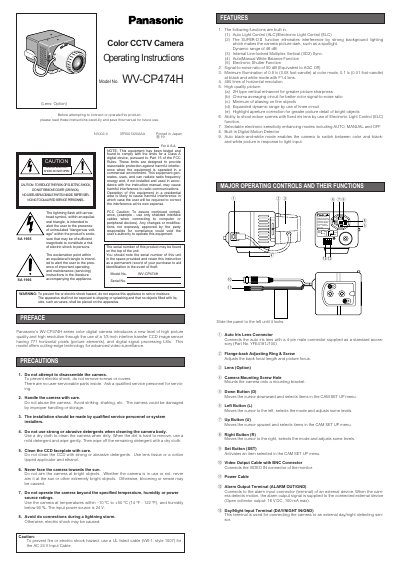
This manual provides operating instructions for the Panasonic WV-CP474H series color digital camera. It highlights key features such as Auto Light Control (ALC), Electronic Light Control (ELC), and a built-in Digital Motion Detector designed to eliminate interference from strong background lighting. The device utilizes a 1/3-inch interline transfer CCD image sensor with 771 horizontal pixels for high-quality video surveillance.
| Image Sensor | 1/3-inch interline transfer CCD |
|---|---|
| Horizontal Pixels | 771 horizontal pixels |
| Dynamic Range | 46 dB |
| Signal-to-noise ratio | 50 dB (AGC Off) |
| Minimum Illumination (Color) | 0.8 lx |
| Horizontal Resolution | 480 lines |
| Operating Temperature | -10 °C to +50 °C |
| Input Power Source | 24 V AC |
Connect this to a 24 V AC Class 2 Power Supply only.
Yes, it has an Auto black-and-white mode that switches based on light input.
The lens must be less than 450 g (0.99 lbs) to be mounted on the camera.