
This document introduces the features and usage of Dome cover
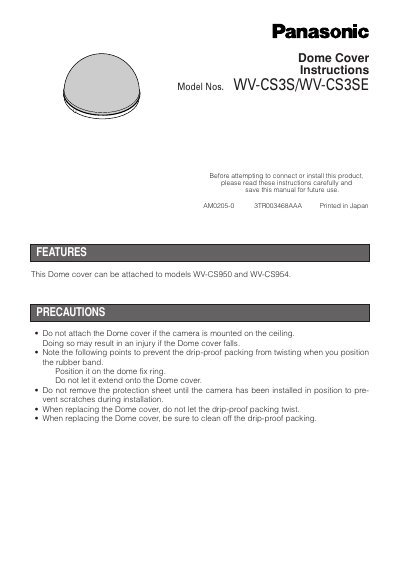
This document provides instructions for the Panasonic WV-CS3S and WV-CS3SE dome covers. It details the features of the cover and lists important precautions to prevent injury or damage during installation, such as avoiding ceiling mounting and ensuring the drip-proof packing is not twisted.
The manual outlines the mounting procedure for replacing the original dome cover. It includes step-by-step directions for removing the original cover, handling the rubber band and drip-proof packing, and installing the new dome cover securely onto the camera.
| Compatible Camera Models | WV-CS950 and WV-CS954 |
|---|
No, the dome cover should not be attached if the camera is mounted on the ceiling, as this may result in injury if the cover falls.
The rubber band should be positioned on the dome fix ring and must not extend onto the Dome cover.