
Panasonic WJ-NT304 Network Interface Unit Operating Instructions

WJ-NT304 Network Interface Unit Network Operating Instructions. The product can be connected to the network, PC monitoring screen, and support sending alarm images to FTP server.
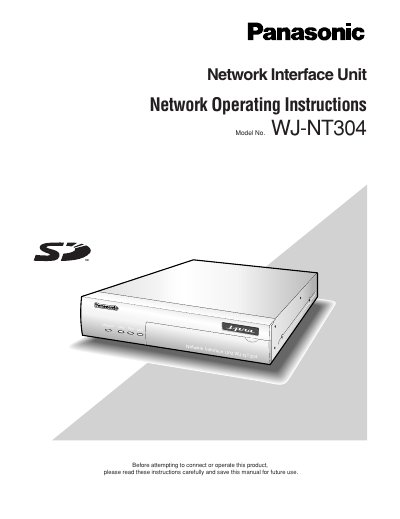

Panasonic WJ-NT304 Network Interface Unit Operating Instructions - cover page
Brand
Panasonic
Category
Other Electronics
Document type
User Manual
Language
English
Pages
60
File format
PDF
File size
4.3 MB
Published
08 August, 2012
Updated
30 September, 2023
Model
WJNT304
MD5 checksum
57642CB8C16409189002323A1CB8F0EC

About this manual

This manual provides operating instructions for the Panasonic WJ-NT304 Network Interface Unit. It details how to monitor images from a single or multiple cameras on a PC using a web browser and the included viewer software. The guide explains how to access the unit via its IP address and manage live video feeds.

What's inside

  • About these operating instructions
  • Monitor Images on a PC
  • About the "Live" page
  • Action at an Alarm Occurrence
  • Display the Setup Menu
  • Configure the basic settings
  • Configure the settings relating to images and audio
  • Configure the alarm settings
  • Configure the settings of the servers
  • Troubleshooting

Frequently asked questions

What is required to read these operating instructions?

Adobe Reader is required to read the PDF version of these instructions.

How many users can access the unit concurrently when specific transmission types are selected?

Up to 8 users per channel or up to 16 users for all channels can access the unit concurrently.

What are the default user name and password for accessing the unit?

The default user name is admin and the default password is 12345.

Download PDF (4.3 MB)

More Panasonic Manuals


View all Panasonic manuals →