
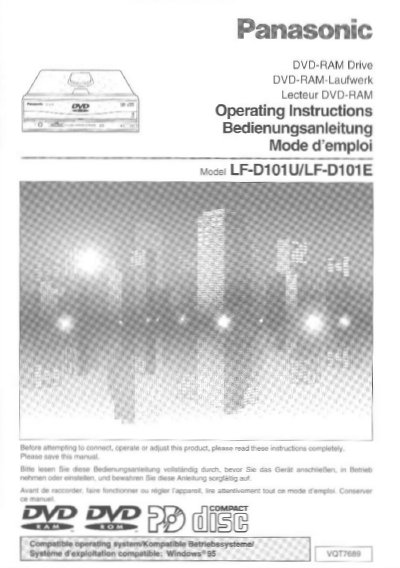
Panasonic LF-D101U/LF-D101E DVD-RAM Drive User Manual


Panasonic LF-D101U/LF-D101E DVD-RAM Drive User Manual - cover page
Brand
Panasonic
Category
Other Computer Accessories
Document type
User Manual
Language
English
Pages
76
File format
PDF
File size
2.8 MB
Published
08 August, 2012
Updated
20 August, 2012
MD5 checksum
574C6AAE94FB8B72AF4065BB19FB7B47

About this manual

This manual covers the Panasonic LF-D101U/LF-D101E DVD-RAM drive, detailing its features, kit contents, and parts. It provides step-by-step instructions for installing the drive into a personal computer, connecting SCSI cables, and setting jumper pins. The guide also explains how to install the supplied application software, including SoftPEG™, and how to use the drive with various disc types.

What's inside

  • IMPORTANT SAFETY NOTICE
  • Getting Started
  • Installation
  • Operation
  • Using a DVD-RAM Disc
  • Using a PD Cartridge
  • Using CD-ROM, DVD-ROM and Other CD/DVD Discs
  • About the Supplied Application Software
  • Troubleshooting
  • Specifications

Frequently asked questions

What type of computer interface does this drive use for connection?

The instructions specify that you must connect the DVD-RAM drive to a personal computer using an SCSI interface.

Download PDF (2.8 MB)

More Panasonic Manuals


View all Panasonic manuals →