
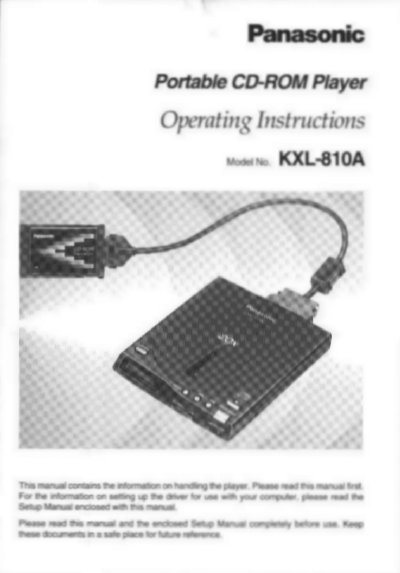
Panasonic KXL-810A Portable CD-ROM Player Operating Instructions


Panasonic KXL-810A Portable CD-ROM Player Operating Instructions - cover page
Brand
Panasonic
Category
Player
Document type
User Manual
Language
English
Pages
44
File format
PDF
File size
1 MB
Published
08 August, 2012
Updated
22 August, 2012
MD5 checksum
F8D03C200BAAB530A887C802CF697408

About this manual

This manual provides operating instructions for the Panasonic Portable CD-ROM Player model KXL-810A. It details how to use the device independently as an audio CD player with various power sources, including AC adaptors, rechargeable batteries, alkaline batteries, or a computer via PCMCIA interface.

What's inside

  • Accessories
  • Before Use Precautions
  • Part Names
  • Connecting the AC Adaptor
  • Preparation for Computer Connection
  • Inserting/Removing a CD
  • Using the Player Independently
  • Playing an Audio CD
  • Playing a CD-ROM
  • Troubleshooting

Specifications

Transfer Rate (Desktop)Max. 3000 KB/s
Transfer Rate (Notebook/Desktop)Max. 2700 KB/s
Speed20X Speed
Laser OutputLess than 48.5 uW
Wave Length785 nm

Frequently asked questions

What types of discs does the KXL-810A support?

The player supports CD-ROM, CD-ROM XA, CD-DA, Photo CD (Multisession), CD-i, VIDEO CD, and CD Extra.

Can the player be used without a computer?

Yes, it can be used independently as an audio CD player powered by AC adaptor, batteries, or a computer.

What power sources are compatible with the unit?

The unit operates on universal voltage AC adaptor, rechargeable battery (option), six AA alkaline batteries, or power from a computer via PCMCIA.

Download PDF (1 MB)

More Panasonic Manuals


View all Panasonic manuals →