
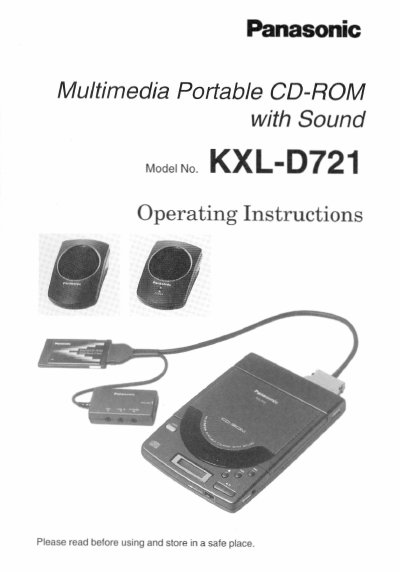
This manual provides operating instructions for the Panasonic KXL-D721 Multimedia Portable CD-ROM with Sound. It details features such as double-speed external drive capabilities, compatibility with Windows 95 and DOS, and support for Audio CD and Photo CD multisession formats.
The document covers setup procedures including power supply options (AC adaptor or batteries), connecting the player to a computer via SCSI interface, and installing software drivers. It also includes instructions for inserting discs, operating audio and data playback, troubleshooting error messages, and maintenance guidelines.
| Transfer Rate | 300 KB/s |
|---|---|
| Memory Buffer | 128 KB |
| Access Time (with AC Adaptor) | 295 ms |
| Battery Operation | six (6) "AA" Batteries |
| Sound Quality | 16 bit |
| Recording & Playback Sample Rate | up to 44.1 kHz |
The player is compatible with Windows 95 and Plug and Play PCMCIA interface Card (Type II), as well as DOS.
The player can be operated using six "AA" batteries or an AC adaptor.