
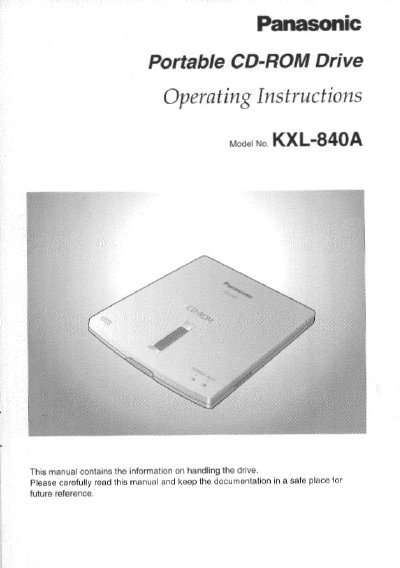
This manual provides operating instructions for the Panasonic KXL-840A Portable CD-ROM Drive. It details how to handle the unit, including connecting it via USB or using the supplied AC adaptor, and explains the supported media types such as Compact Discs with Digital Audio markings.
The document also covers safety warnings regarding laser radiation and static electricity, along with FCC compliance information for users in the United States. Additionally, it outlines the End-User License Agreement terms and provides technical support contact details.
The drive weighs less than 8.5 ounces, which is approximately 240 g.
Yes, you can insert or remove the USB cable without turning off your computer because it supports the Hot Swap function.
No, power is supplied from your computer's USB interface so you do not need the AC adaptor to operate.