
This document is an operating instruction for Panasonic LCD projectors, describing the features and characteristics of the products.
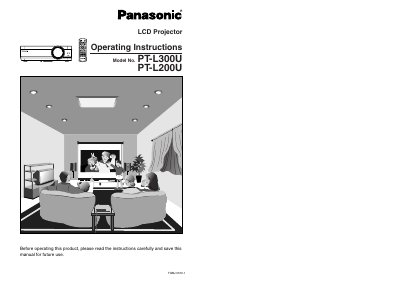
This manual provides operating instructions for the Panasonic PT-L300U and PT-L200U LCD projectors. It covers essential safety precautions, preparation steps including accessories and location selection, and detailed connection examples for video equipment and computers.
The guide details basic operations such as turning power on and off, using the remote control, adjusting picture settings (contrast, brightness, color), and correcting keystone distortion. Advanced operation sections explain option settings, SD memory card usage, and how to use various on-screen menu functions.
| Power Supply | 100 V - 240 V, 50 Hz/60 Hz AC |
|---|---|
| Accessory Cord Limit | 125 V, 7 A |
The supplied accessory power cord can only be used for power supplies up to 125 V, 7 A.
Turn off the power and disconnect the power cord from the wall outlet immediately.