
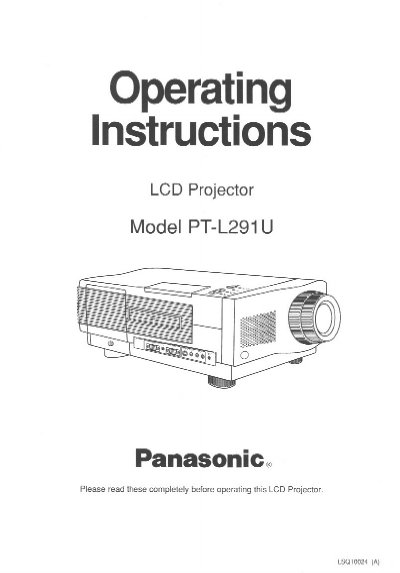
Panasonic PT-L291U LCD Projector Operating Instructions


Panasonic PT-L291U LCD Projector Operating Instructions - cover page
Brand
Panasonic
Category
Projector
Document type
User Manual
Language
English
Pages
32
File format
PDF
File size
859 KB
Published
07 August, 2012
Updated
23 August, 2012
MD5 checksum
00D763174CA2D7A8FD26EE8B10227468

About this manual

This document provides operating instructions for the Panasonic PT-L291U LCD Projector. It details safety precautions, lists included accessories such as a remote control and various cables, and describes key features including high brightness (300-lumen), rear screen projection capability, and automatic power down functions.

What's inside

  • Things You Should Know
  • Important Safeguards
  • Contents of LCD Projector Box
  • LCD Projector Features
  • Positioning the LCD Projector and Screen
  • Initial Set Up of the LCD Projector
  • Connecting the LCD Projector
  • Basic LCD Projector Operation
  • Video Adjustment
  • Maintenance

Specifications

Resolution922k-pixel
Brightness300-lumen (ANSI)
Screen Capability30 to 650 Inch
Power Supply RangeAC 100 - 240V

Frequently asked questions

How often should the air filter be cleaned?

The air filter must be cleaned every 100 lamp on hours.

What happens if no video signal is input for 15 minutes?

The lamp will turn off automatically to save power.

Can this projector be used for rear projection?

Yes, it is equipped with a reverse scan function that allows the image to be reversed.

Download PDF (859 KB)

More Panasonic Manuals


View all Panasonic manuals →