
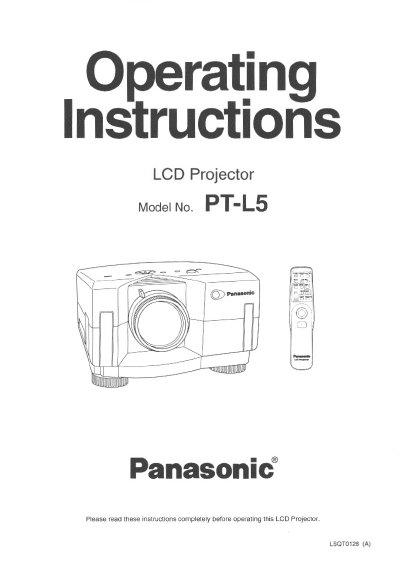
This manual provides operating instructions for the Panasonic PT-L5 LCD Projector. It details safety precautions, features such as high brightness and compatibility with various video standards, and initial setup procedures. The document guides users through connecting the projector to computers and video equipment, adjusting the projected image, and utilizing the ProMouse control feature.
| Pixel Format | 1,440,000 (3 X 800 X 600) |
|---|---|
| Brightness | 450-lumen (ANSI) |
| Screen Size Range | 20 to 300 Inch |
| Operating Voltage | AC 100 - 240V |
| Video Standards | PAL, SECAM, NTSC, PAL-M, PAL-N, NTSC4.43, S-Video |
| Air Filter Cleaning Interval | Every 100 lamp hours |
The language is set to English at the factory, but you can select Spanish, French, German, and Italian.
The air filter should be cleaned every 100 lamp hours to prevent the projector from becoming too hot.
Yes, the ProMouse Control Feature allows you to use the remote control as a mouse to control your personal computer.