
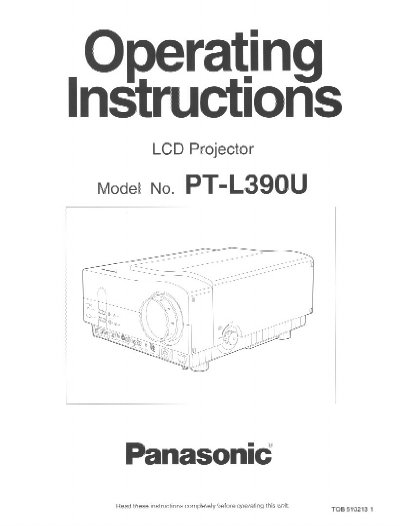
Panasonic PT-L390U LCD Projector Operating Instructions


Panasonic PT-L390U LCD Projector Operating Instructions - cover page
Brand
Panasonic
Category
Projector
Document type
User Manual
Language
English
Pages
48
File format
PDF
File size
1.1 MB
Published
07 August, 2012
Updated
23 August, 2012
MD5 checksum
9F145169E68EC327419683B8AB8A5897

About this manual

This manual provides operating instructions for the Panasonic PT-L390U LCD Projector. It details safety precautions, features such as the high-luminance lamp unit and infrared mouse function, and standard setting-up positions. The document guides users through turning the device on and off, adjusting picture position and size, and connecting various input sources like VGA or S-VGA.

What's inside

  • IMPORTANT SAFETY NOTICE
  • Features
  • Precautions with regard to safety
  • Location and function of each projector part
  • Turning the power on and off
  • Adjusting the picture position
  • Using the infrared mouse function
  • Lamp unit replacement period
  • Specifications

Specifications

Light Output350 Im [ANSI]
Screen Size Range30 inches to 300 inches

Frequently asked questions

What is the operating ambient temperature range?

The projector should operate between 41°F (5°C) and 104°F (40°C).

Can I use this projector with a personal computer?

Yes, data from personal computers via VGA or S-VGA can be displayed.

Download PDF (1.1 MB)

More Panasonic Manuals


View all Panasonic manuals →