
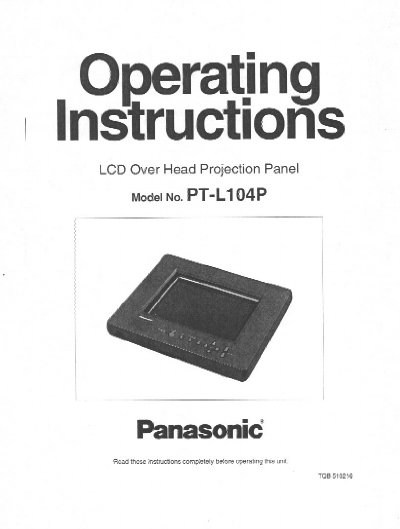
This manual provides operating instructions for the Panasonic PT-L104P LCD Overhead Projection Panel. It explains how to use the unit to display computer or video images onto a large screen or wall using an overhead projector (OHP). The document covers safety warnings, power supply requirements, and the location of controls on the main unit and remote control.
| Display Area | 10.4 inches Color TFT LCD 640 x 480 (RGB) dots |
|---|---|
| Power Supply | 120 volts/60Hz, AC house current only |
| Video Input | NTSC video signal input connector |
| Audio | Built-in speaker, one audio input and one audio output |
The unit is designed to operate on 120 volts/60Hz, AC house current only.
Yes, connecting the mouse cable allows control of a personal computer from the remote control unit.
The display area has 640 x 480 (RGB) dots with a 10.4-inch Color TFT LCD.