
This document is an instruction manual for the BT-LS1400P Liquid Crystal Video Monitor. It includes information on how to connect, operate, and adjust the product, as well as important safety warnings regarding electric shock, fire hazard, and exposure to liquids or interference.
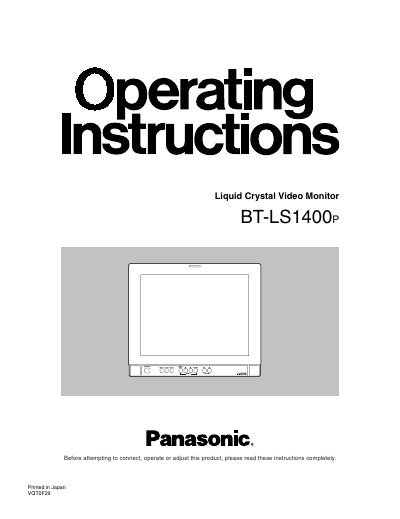
This document provides operating instructions for the Panasonic BT-LS1400e, a commercial-use liquid crystal video monitor featuring a 14-inch screen. It details safety precautions, panel functions, and connectivity options including S-Video, Component, and optional SDI inputs.
The manual explains how to use the on-screen menus for picture and system configuration, describes the front and rear panel controls, and outlines maintenance procedures. It also includes remote control specifications and technical data.
| Screen Size | 14 inch |
|---|---|
| Color Temperature Standards | D65 and D93 |
| Gamma Correction | 2.2 curve |
| Power Voltage (Non-U.S.A.) | 220 - 240 V AC |
| Power Voltage (U.S.A.) | 120 V |
Users can choose between the image production mode (BROADCAST), the general user image-receiving mode (GENERAL), and the user setting mode (USER).
Press the INPUT selector button to switch between LINE A, LINE B, CMPNT, and SDI (if installed).
It allows for more accurate adjustment of chroma and phase using SMPTE color bars.