
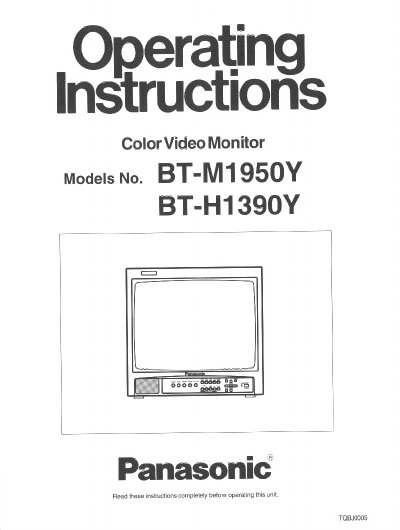
Panasonic BT-M1950Y/BT-H1390Y Color Video Monitor Operating Instructions


Panasonic BT-M1950Y/BT-H1390Y Color Video Monitor Operating Instructions - cover page
Brand
Panasonic
Category
Monitor
Document type
User Manual
Language
English
Pages
24
File format
PDF
File size
715 KB
Published
07 August, 2012
Updated
07 August, 2012
MD5 checksum
3FCB86DD1E43A825ACE3BD5C8CDE4D31

About this manual

This manual provides operating information for the Panasonic BT-M1950Y (medium-high-definition) and BT-H1390Y (high-definition) Color Video Monitors. It includes safety precautions, descriptions of front panel controls such as brightness, contrast, and phase, and rear terminal configurations for various video inputs including composite, RGB/Component, and Y/C signals.

What's inside

  • Safety Precautions
  • Controls and Features (Front)
  • Terminals and Features (Rear)
  • Connection Example
  • External/internal synchronization
  • RGB/COMPO(SDI) terminal setting
  • Basic Operation
  • Picture Adjustments
  • On-Screen Menu Controls
  • Specifications

Specifications

Horizontal Resolution (BT-M1950Y)750 TV lines or more
Horizontal Resolution (BT-H1390Y)750 TV lines or more
Power Supply120 volts AC, 50/60Hz
Compatible Color SystemsNTSC-3.58/4.43 MHz or PAL

Frequently asked questions

What happens when I push the BLUE CHECK switch?

It eliminates red and green color signals to display a monochrome blue picture.

What power supply voltage is required for this monitor?

This Color Video Monitor is designed to operate on 120 volts AC, 50/60Hz house current only.

Download PDF (715 KB)

More Panasonic Manuals


View all Panasonic manuals →