
This manual describes the controls, installation and connections of the S60 series
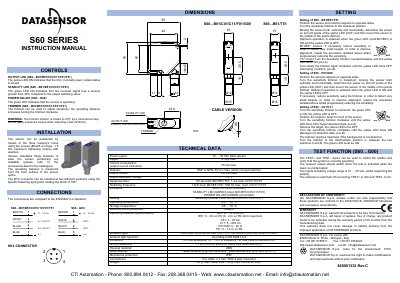
This document provides installation, connection, and setting instructions for the Datasensor S60 series of proximity sensors. The guide covers models with standard detection (S60...M) and advanced foreground/background suppression features (S60...N), detailing how to use the SET pushbutton or EASY TOUCH technology for configuration.
| Power supply | 0...30 Vdc/Vac |
|---|---|
| Output current | 100 mA max. |
| Response time | 500 us max. |
| Operating temperature | -10...55°C |
| Mechanical protection | IP67 |
Press and hold the SET pushbutton until the READY/ERROR LED blinks green, then release it.
It indicates that there is a wrong detection or an error condition.