
This document describes the technical features of the Datalogic J Series™ Vehicle Cradle, including electrical features, communication features, environmental features and mechanical features.
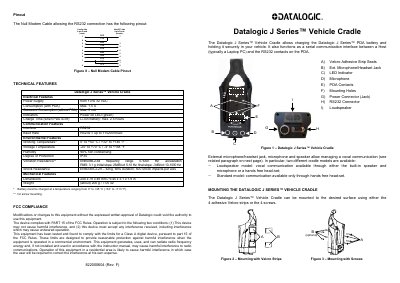
The Datalogic J Series Vehicle Cradle is designed to charge Datalogic J Series PDA batteries and securely hold the device in a vehicle. It also functions as a serial communication interface between a host computer and the PDA. The cradle features a built-in speaker and microphone for vocal communication or supports a hands-free headset.
| Power Supply | 10 to 32 VDC |
|---|---|
| Consumption (with PDA) | Max. 1.5A |
| Quiescent Consumption | Max. 5 mA |
| Interface | RS232 |
| Baud Rate | up to 115200 b/sec |
| Working Temperature | 0° to +50 °C |
| Dimensions | 240 x 79 x 48 mm |
| Weight | about 200 g |
The maximum charge time for a Li-Ion battery is 2.5 hours when the PDA is off.
Use four self-tapping screws or screws with nuts inserted into the mounting holes, optionally with spacers for irregular surfaces.
The blue wire must be connected to the vehicle ground wire or chassis ground.
Vocal communication requires Datalogic J Series PDA software version 1.40 or later.