
Datalogic Elf Mobile Computer User's Manual

Introduces the features of Elf™, including package contents, inserting a Micro SD card, installing a SIM card, batteries and maintenance, connections, and using applications.
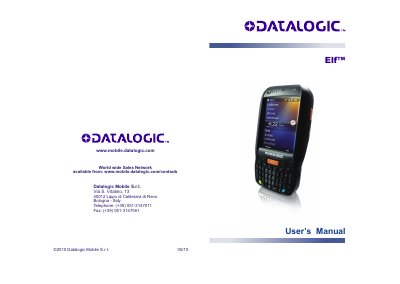

Datalogic Elf Mobile Computer User's Manual - cover page
Brand
Datalogic
Category
Mobilephone Accessories
Document type
User Manual
Language
English
Pages
111
File format
PDF
File size
2.7 MB
Published
06 August, 2012
Updated
01 October, 2023
MD5 checksum
A13E2C4883A512BBB2A09F9F3F96E0B4

About this manual

The Datalogic Elf is a mobile computer designed for data capture tasks using laser or imager technology. This user's manual guides users through the device's features, including the use of the stylus, keyboard, and various scanning methods. It details the installation of SIM and Micro SD cards, as well as the configuration of the Windows Mobile operating system.

What's inside

  • General View
  • Introduction
  • Batteries and Maintenance
  • Connections
  • Use and Functioning
  • Windows Mobile Welcome Wizard
  • Data Capture
  • Configuration Control Panels
  • Technical Features
  • Safety Regulations

Specifications

Software Version1.00
Edition Date05/2010

Frequently asked questions

How do I insert a Micro SD card?

The Micro SD Card Slot is located under the battery.

Where is the SIM Card Slot located?

The SIM Card Slot is located under the battery.

Download PDF (2.7 MB)

More Datalogic Manuals


View all Datalogic manuals →