
The PLV-Z3 multimedia projector is designed with the most advanced technology for portability, durability, and ease of use.
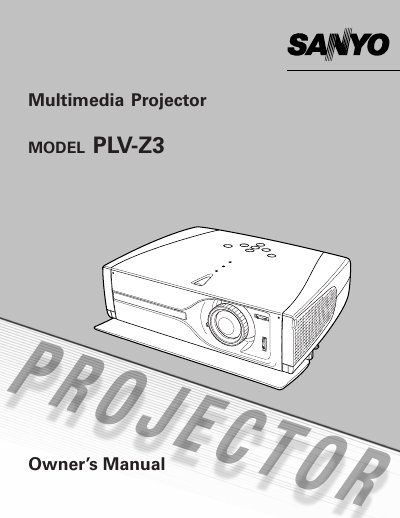
The Sanyo PLVZ3 is a multimedia projector designed with advanced technology for portability and ease of use. It features a Short Zoom Lens allowing screen sizes from 9.8' to 13.1', Keystone Adjustment, and Lens Shift functions. The device supports various input signals including HDMI, Component video, S-video, and RGB Scart, utilizing LCD panels with a resolution of 1280 x 720.
| Resolution | 1280 x 720 |
|---|---|
| Screen Size Range | 9.8' to 13.1' |
| Zoom Type | Short Zoom Lens |
The operation menu is available in English, German, French, Italian, Spanish, Portuguese, Dutch, Swedish, Russian, Chinese, Korean, or Japanese.
Yes, the projector has a Multi-scan system to conform to almost all computer output signals quickly.
You should use a damp cloth for cleaning and avoid using liquid or aerosol cleaners.