
Sanyo PLV-WF10 Multimedia Projector Owner's Manual

This is an owner's manual for a portable multimedia projector.
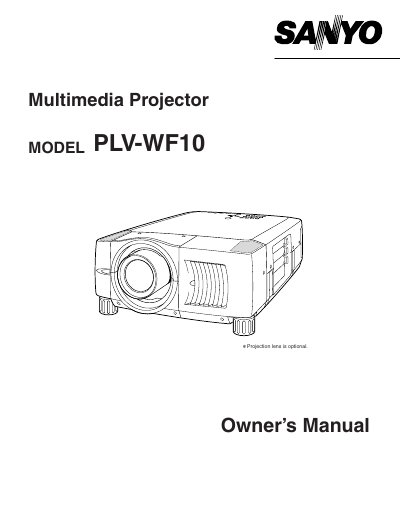

Sanyo PLV-WF10 Multimedia Projector Owner's Manual - cover page
Brand
Sanyo
Category
Projector
Document type
User Manual
Language
English
Pages
56
File format
PDF
File size
1.8 MB
Published
03 August, 2012
Updated
30 September, 2023
MD5 checksum
98335ACDA2E95088287AF31AFDF75FD8

About this manual

The Sanyo PLV-WF10 is a multimedia projector designed for displaying computer and video inputs. This Owner's Manual covers safety precautions, installation steps, and the use of various controls and indicators found on the device and its remote control unit.

The document details how to connect the projector to computers and video equipment, adjust the image using features like zoom, focus, and keystone correction, and operate the on-screen menu. It also includes sections on basic operation, maintenance tasks such as cleaning the lens and air filter, and lamp replacement procedures.

What's inside

  • Safety Precautions
  • Features and Design
  • Connecting Projector
  • Picture Image Adjustment
  • Operating On-Screen Menu
  • Maintenance
  • Troubleshooting
  • Technical Specifications

Frequently asked questions

What safety distance must be maintained around the projector for air circulation?

You must maintain a minimum distance of 50 cm on the top, sides, and rear of the cabinet.

How long does the laser pointer function emit a beam when activated?

The laser beam is emitted for 1 minute while the LASER button is pressed.

What type of fuse must be used if replacing one in the UK power cord?

You must use an ASTA approved BS 1362 fuse of the same rating.

Download PDF (1.8 MB)

More Sanyo Manuals


View all Sanyo manuals →