
This file is the user manual of Canon PLC-XW20AR projector. It introduces the features and usage of this product.
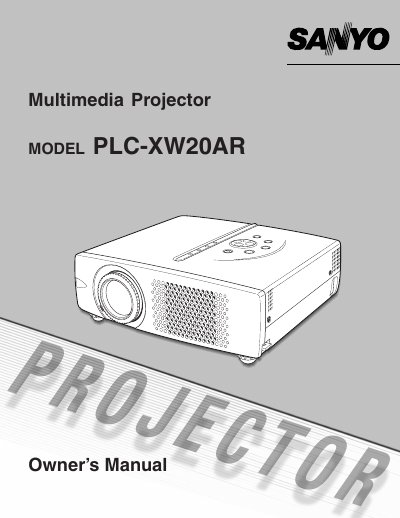
This document is the Owner's Manual for the Sanyo PLC-XW20AR projector. It provides comprehensive instructions on safety precautions, initial setup including positioning and connecting power cords, and detailed steps for operating the remote control unit and on-screen menu.
The guide covers basic operations such as turning the projector on and off, adjusting screen parameters like zoom, focus, and keystone correction, and configuring sound settings. It also includes sections on computer and video input adjustments, lamp replacement procedures, maintenance tips for air filters and lenses, and a troubleshooting section to resolve common issues.
The ventilation slots should never be covered with cloth or other materials to prevent overheating.
The projector must be unplugged if liquid has been spilled into it.
You should refer all servicing to qualified service personnel.