
Sanyo PLV-30 Multimedia Projector Owner's Manual

This manual describes how to operate the PLV-30 Multimedia Projector, including safety precautions, operation instructions, and troubleshooting.
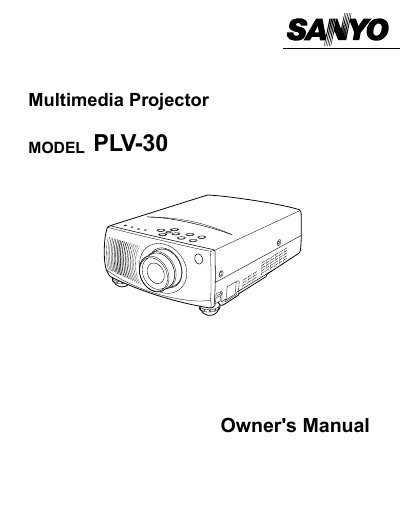

Sanyo PLV-30 Multimedia Projector Owner's Manual - cover page
Brand
Sanyo
Category
Projector
Document type
User Manual
Language
English
Pages
40
File format
PDF
File size
474 KB
Published
03 August, 2012
Updated
30 September, 2023
MD5 checksum
35714D9F0E50DD2F1421D405C199D1BF

About this manual

The Sanyo PLV-30 is a multimedia projector designed to display images from various video equipment and computers. This manual covers safety precautions, setup procedures including positioning and connecting power cords, and detailed instructions for operating the remote control and on-screen menu system.

What's inside

  • Features and Design
  • Preparation
  • Setting-Up The Projector
  • Connecting The Projector
  • Before Operation
  • Operation Of The Remote Control
  • Operating On-Screen Menu
  • Basic Operation
  • Computer Mode
  • Video Mode

Frequently asked questions

What should I do if the projector seems to operate improperly?

Read the manual again, check operations and cable connections, try solutions in the 'Trouble-shooting' section, or contact the sales dealer.

Can I open the cover to service the projector myself?

No. Do not remove the cover as no user-serviceable parts are inside except for lamp replacement; refer servicing to qualified personnel.

What happens if I stare directly into the projection lens?

Eye damage could result, so do not stare directly into the lens.

Download PDF (474 KB)

More Sanyo Manuals


View all Sanyo manuals →