
This manual is the user manual for Panasonic PLC-XW20 projector, which mainly introduces the functions, features and operating methods of the machine. Users can learn more about the product by reading this manual and use the product correctly.
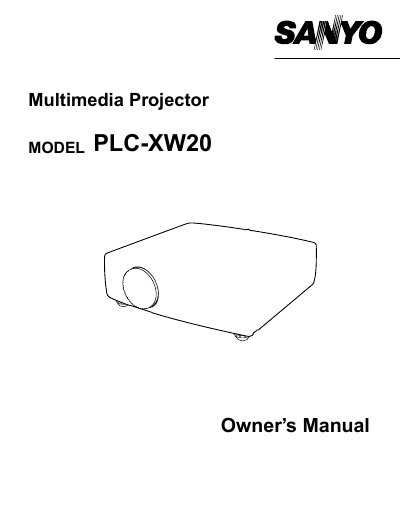
The document serves as an owner's manual for the Sanyo PLC-XW20 multimedia projector. It covers safety precautions, installation steps including power cord connection and positioning, and detailed operating procedures for both computer and video inputs.
Key sections include instructions on using the remote control, adjusting picture settings such as zoom, focus, and keystone correction, and utilizing specific functions like Picture Freeze and No Show. The guide also details maintenance tasks like air filter cleaning and lamp replacement.
| Product Type | Multimedia Projector |
|---|---|
| Model Variants | PLC-XW20U, PLC-XW20E, PLC-XW20B |
Read the manual again, check operations and cable connections, try solutions in the Troubleshooting section, or contact the sales dealer.
No. Do not remove the cover as there are no user-serviceable parts inside except for lamp replacement; refer servicing to qualified personnel.
Unplug the projector from AC power supply before cleaning and use a damp cloth; do not use liquid or aerosol cleaners.