
This manual introduces the features and design of PLC-XU41, PLC-XU47, including compact design, wide compatibility, simple computer system setting, digital zoom, keystone correction, power management, user logo, selectable lamp mode and blackboard function.
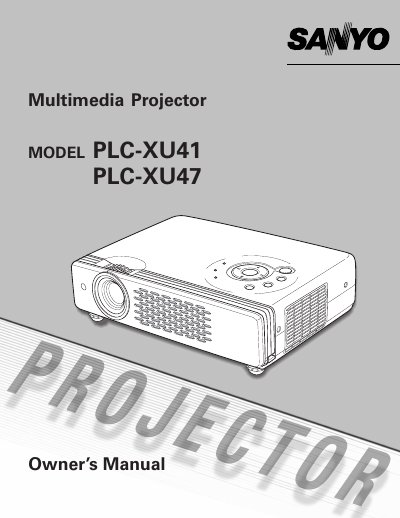
The Sanyo PLC-XU47 is a compact multimedia projector designed with advanced technology for portability and ease of use. It features a built-in matrix LCD display supporting 16.77 million colors, selectable lamp modes, and various input compatibility including computers, component video, and S-video. Key functions include digital zoom (up to approx. 16 times), keystone adjustment, blackboard projection on green surfaces, and a PIN code lock for security.
| Color Palette | 16.77 million colors |
|---|---|
| Digital Zoom | approx. 16 times of screen size |
| Menu Languages | 12 languages |
Yes, it can use the Blackboard function where the board color is limited to Green.
You can enable the PIN code lock function which prevents others except users from using the projector.
Eye damage could result, so you should not stare directly into the lens.