
This document introduces the features and design of the multimedia projectors PLC-XU56, PLC-XU51, and PLC-SU51. The projectors are designed to be compact in size and weight, making them easy to carry and use. They are compatible with various video and computer input signals, including computers, 6 color systems, component video, S-video, and RGB scart. The projectors also feature a multi-scan system to quickly adapt to almost all computer output signals. The digital zoom function allows for image size expansion or compression, enabling focus on crucial information during presentations. Power management reduces power consumption and extends lamp life. The capture function allows for capturing and using projected images as the starting display of the projector. The captured image can also be displayed at intervals during a presentation instead of a blackout image using the no show function. Lamp brightness can be selected in the setting menu. The blackboard function allows for using a blackboard as a projection screen. The film function reproduces pictures faithful to the original film quality.
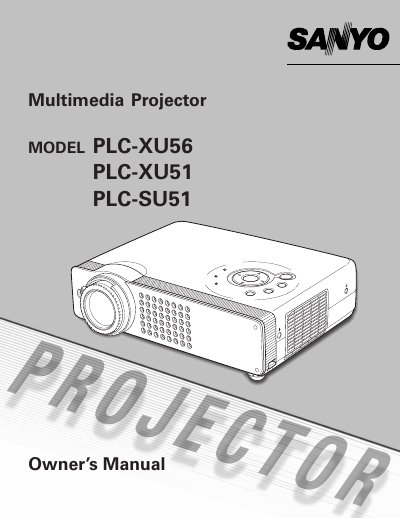
The Sanyo PLC-XXU51 is a compact multimedia projector designed for portability and ease of use. It features built-in multimedia capabilities, supports various input signals including computers and video systems, and utilizes matrix LCD technology with a palette of 16.77 million colors.
Key functions include digital zoom (up to approx. 16 times), power management to maintain lamp life, and a capture function for displaying images during presentations. The device also offers an auto setup feature for quick configuration and supports multiple languages for the operation menu.
| Color Palette | 16.77 million colors |
|---|---|
| Display Technology | matrix LCD technology |
| Digital Zoom Range | approx. 16 times |
| Menu Languages | 12 languages |
The projector accepts various video and computer inputs including Computers, Color systems, Component video, S-video, and RGB scart.
Yes, the Blackboard function allows the board color to be limited to Green for projection.
The operation menu is available in 12 languages, including English, German, French, and others.