
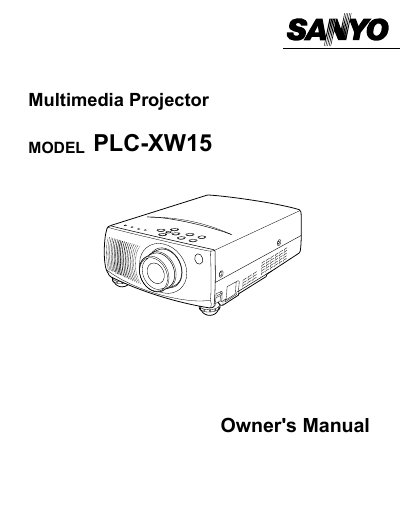
SANYO PLC-XW15 Multimedia Projector Owner's Manual


SANYO PLC-XW15 Multimedia Projector Owner's Manual - cover page
Brand
Sanyo
Category
Projector
Document type
User Manual
Language
English
Pages
40
File format
PDF
File size
502 KB
Published
03 August, 2012
Updated
29 September, 2023
MD5 checksum
E0339A7E8AB4076B83CF47145F3AD205

About this manual

The SANYO PLC-XW15 is a multimedia projector designed to display images from various sources including computers and video equipment. This Owner's Manual covers safety precautions, preparation steps, and detailed instructions on how to connect power and peripherals.

The document guides users through the operation of the On-Screen Menu (OSD), basic functions such as zooming and focusing, and specific modes for computer and video input. It also includes sections on maintenance tasks like lamp replacement and air filter cleaning.

What's inside

  • Features and Design
  • Preparing the Projector
  • Connecting Power and Video Equipment
  • Operating the Remote Control
  • Using the On-Screen Menu
  • Basic Operation and Adjustments
  • Computer Mode Settings
  • Video Mode Settings
  • Maintenance and Lamp Replacement
  • Troubleshooting

Frequently asked questions

What safety precautions should be taken regarding the projector lens?

Do not stare directly into the projection lens as it produces intense light that can cause eye damage.

What should be done if the projector is not used for an extended time?

Unplug the projector from the power outlet to prevent damage due to lightning or power line surges.

Can users service the projector themselves?

No, users should not open or remove covers as this exposes them to dangerous voltage; servicing must be done by qualified personnel.

Download PDF (502 KB)

More Sanyo Manuals


View all Sanyo manuals →