
This manual describes the basic operation, connection method, and setting method of the PLC-XU55/XU50/SU50 multimedia projector.
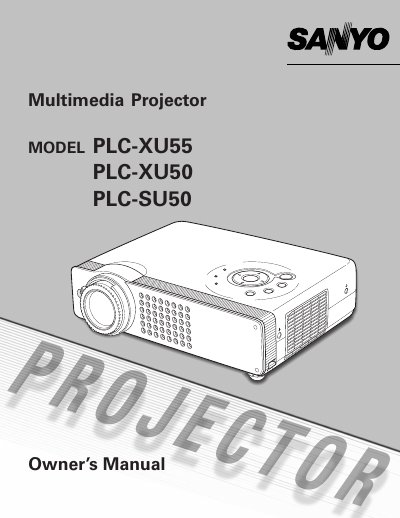
The document serves as an Owner's Manual for the Sanyo PLC-XU50 multimedia projector. It covers essential topics including safety instructions regarding electric shock and fire hazards, proper installation positioning to ensure air circulation, and basic operation procedures such as connecting inputs and adjusting image settings.
Detailed sections are provided for maintenance tasks like cleaning air filters and projection lenses, replacing the lamp, and troubleshooting common issues. The manual also includes technical specifications, compatible computer requirements, and a list of optional parts.
| Product Type | Multimedia Projector |
|---|---|
| Model Number | PLC-XU50 |
When moving the projector, you must replace the lens cover and retract the adjustable feet to prevent damage to the lens and cabinet.
The laser pointer emits a beam for 1 minute while the LASER button is pressed.