
This manual provides instructions for using the PLC-XP41 multimedia projector. It includes information on product specifications, safety precautions, installation and operation, and troubleshooting.
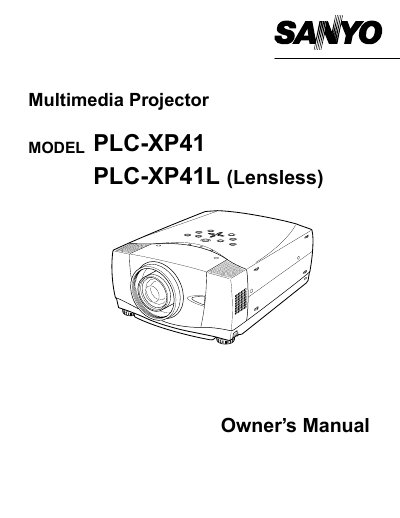
This document serves as the owner's manual for the Sanyo PLC-XP41 and PLC-XP41L (Lensless) multimedia projectors. It provides essential information regarding safe operating procedures, including warnings about intense light emission from the lens and laser pointer functions.
The guide details safety precautions such as maintaining proper ventilation to prevent overheating and avoiding exposure to rain or moisture. It also outlines compliance with FCC regulations and includes instructions for power cord requirements in various regions.
Do not stare directly into the lens or shine the laser beam on yourself, as eye damage could result.
A minimum distance of 80cm must be maintained on the sides and rear, while 50cm is required for the top.
An ASTA approved BS 1362 fuse marked with the symbol @ must be used.