
This manual provides detailed instructions on how to use the projector, including installation, connection, operation and maintenance.
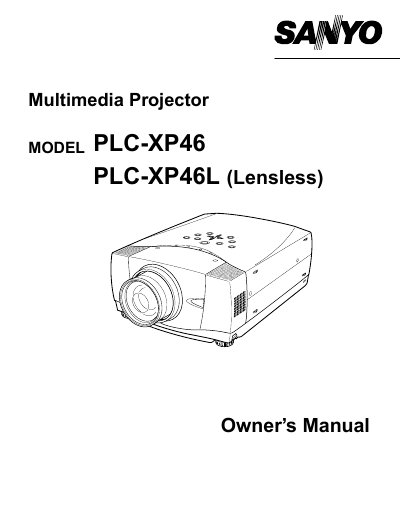
The document serves as an owner's manual for the Sanyo PLC-XP46 and PLC-XP46L multimedia projectors. It outlines essential safety precautions, including warnings about intense light from the projection lens, fire hazards related to ventilation, and proper handling of the remote control unit's laser pointer function.
The guide covers setup requirements such as maintaining adequate space for air circulation around the projector to prevent overheating. It also details compliance with FCC regulations, power cord specifications for various regions including the US, Canada, and UK, and instructions on when to unplug the device or seek professional service.
Do not stare directly into the lens because eye damage could result.
The minimum distance required is 80cm on the top and sides, and 50cm on the rear.
The laser beam is emitted for 1 minute when the LASER button is pressed.