
mopeEL PLC-XF20 Multimedia Projector Owner's Manual

This manual introduces the operation and maintenance of the Panasonic PLC-XF20 multimedia projector.
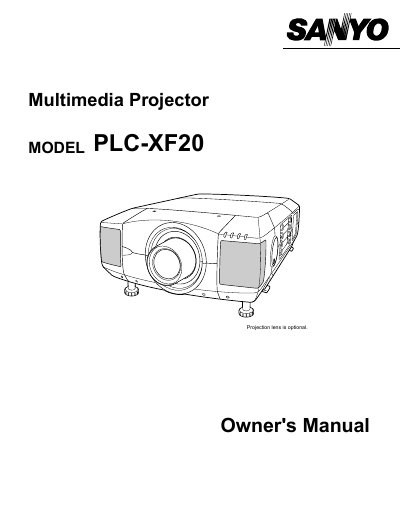

mopeEL PLC-XF20 Multimedia Projector Owner's Manual - cover page
Brand
Sanyo
Category
Projector
Document type
User Manual
Language
English
Pages
52
File format
PDF
File size
1.1 MB
Published
03 August, 2012
Updated
30 September, 2023
MD5 checksum
D44F61BB15C355349805797EA350226A

About this manual

This document is the Owner's Manual for the mopeEL PLC-XF20 multimedia projector. It covers safety precautions, setup procedures including lens installation and positioning, and detailed instructions for connecting the projector to computers and video equipment. The guide explains how to operate the on-screen menu, adjust picture settings, and use the remote control.

What's inside

  • Features and Design
  • Preparation
  • Setting-Up the Projector
  • Connecting the Projector
  • Basic Operation
  • Picture Image Adjustment
  • Maintenance
  • Troubleshooting
  • Technical Specifications

Frequently asked questions

What safety precaution is required regarding the projector's ventilation slots?

The openings should never be covered with cloth or other materials, and the bottom opening should not be blocked by placing the projector on a bed, sofa, rug, or other similar surface.

What type of cleaning agent is recommended for the projector?

Do not use liquid or aerosol cleaners; instead, use a damp cloth for cleaning.

What should be done if the projector is to be built into a compartment?

The minimum distances for space on the top, sides, and rear must be maintained.

Download PDF (1.1 MB)

More Sanyo Manuals


View all Sanyo manuals →