
This document describes the features and characteristics of the Multimedia Projector PLC-XF10N and PLC-XF10NL, including safety warnings, operating instructions, and usage recommendations.
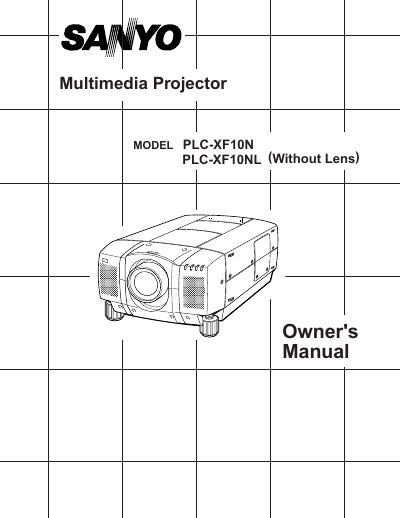
This document serves as the Owner's Manual for the Sanyo PLC-XF10N and PLC-XF10NL multimedia projectors. It covers features such as the active matrix liquid crystal display (LCD) technology, compatibility with various computers and video devices, and the automatic multiscanning system. The manual includes detailed instructions on unpacking, installation, connecting to computers and video equipment, and operating the projector via direct controls or the wireless remote control unit.
| Image Resolution | 1024 x 768 |
|---|---|
| Color Palette | 16.77 million colors |
| Display Technology | active matrix liquid crystal display (LCD) |
The projector supports worldwide video standards including NTSC, NTSC4.43, PAL, PAL-M, PAL-N, and SECAM.
Yes, the menu can be displayed in English, German, French, Italian, Spanish, and Japanese.
You should unplug the projector from the power outlet to prevent damage due to lightning or powerline surges.